Two public installers · not the same product
Create shop and download
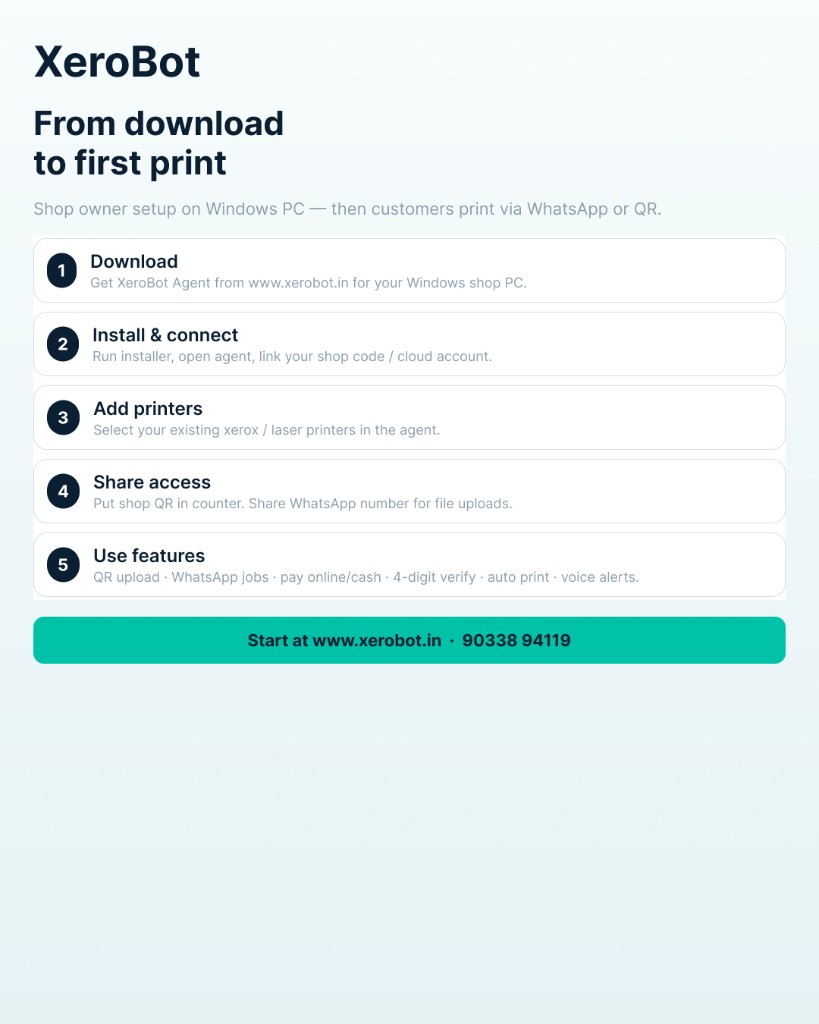
Xerox shops and corporates use different Windows installers. Pick the product, then download that Setup. After install, log in with email and the 6-digit code. Lifetime Setup is emailed after you pay ₹3999 — it is not a public download. See Lifetime or call +91 90338 94119.
Email verified · shop created for you
Register your shop
Shop ready. Download only the installer. After install, log in with this email.
- 1. Download Setup and install on this PC.
- 2. Open XeroBot → enter this shop email → Send code → enter the 6-digit OTP.
- 3. Open the Shop tab for your QR, flyer, and print steps. Test each printer paper once.
- 4. Start Agent and take jobs.
Upload / QR:
Admin URL:
Starting…
Backup credentials (only if CONNECT_SHOP fails)
Owner password:
Agent Key: